One Checkbox. Every Meeting.
Check a Box. Get Briefed.
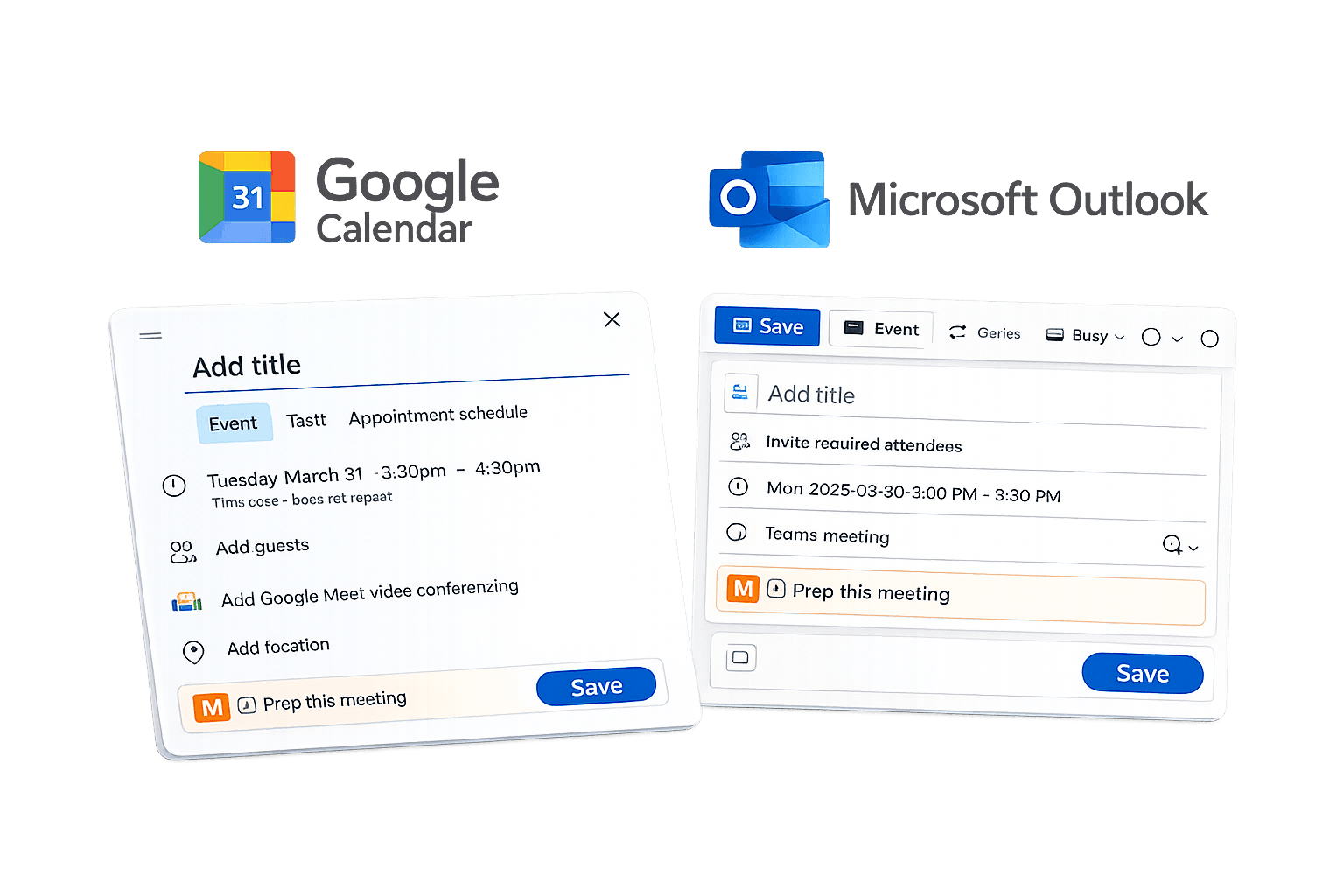
MeetingPrep lives inside Google Calendar and Outlook. See a meeting? Check "Prep this meeting." Your briefing arrives automatically before it starts. That's the entire process.
Set It Once. Done Forever.
Meeting Prep That Runs Itself
Save your preferences once. Get briefings before every meeting. Never touch a setting again. Your prep arrives in Slack or email — wherever you already work.
Only What Matters
Context That Adds Value, Not Clutter
We filter the noise so you get signal. What you need to know, without the 30 minutes of searching. The prep you'd do manually — done for you automatically.
MeetingPrep · just now
Your briefing is ready
Q4 Planning with Alex Rivera
2:00 PMTap to view full briefing
↑ This arrived automatically. You didn't open an app.
You don't need to learn anything new. We work where you already do.
No setup to manage
Connect once, then forget about it. MeetingPrep knows your meetings and what you need — no configuration required.
No prompts to write
MeetingPrep is smart enough to know what your meeting is about and what you need to bring. Zero effort from you.
No searching for context
We pull it automatically from 9 platforms. The prep you'd do manually — done for you.
What you won't have to do
You have enough tools competing for your attention. MeetingPrep works behind the scenes — pulling context from where you work, delivering it to where you work. Your workflow stays exactly the same.
If you can check a box in your calendar, you can use MeetingPrep.
How It Works (Then You're Done)
Connect your calendar. Set your preferences. That's it — you're done.
Connect Your Calendar
Link Google Calendar or Outlook. Add Slack, Notion, or email if you want richer context. Takes 5 minutes, once.
Set Your Preferences
Choose how and when your briefings arrive — Slack, email, or push notification. Takes 2 minutes, once.
Forget About Us
Check "Prep this meeting" on any calendar event. Your briefing arrives automatically. No logins. No prompts. No effort.
This is what you'll receive
No setup required.
No prompt to write.
It just shows up.
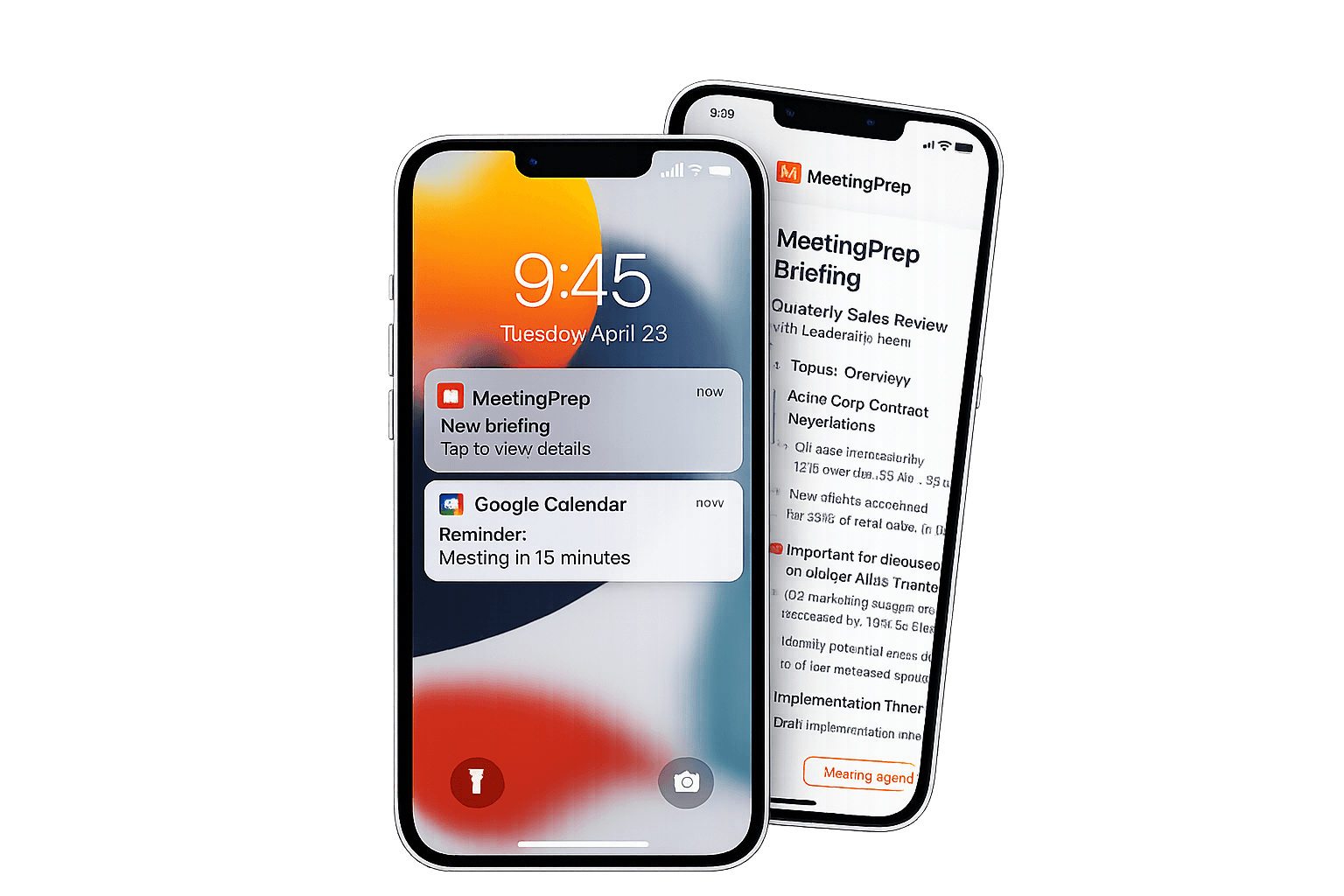
A notification arrives before your meeting. Tap it and you're looking at everything you need to know — topics, context, action items, and suggested talking points.
Delivered to Slack, email, or push notification. Your choice.
YOUR BRIEFING
Weekly Sync with Sarah Chen · Today 2:00 PM
Sarah Chen · Product Manager @ Acme Corp
You've met 12 times since October
- • Discussed API timeline — Sarah needed mockups
- • You agreed to review auth flow spec
- • Budget approval pending leadership
You completed:
- + Sent auth flow feedback (email, Jan 17)
- + Merged PR #142 — API refactor
Sarah completed:
- + Shared mockups in Google Drive
- + Closed 3 tickets on project board
- → Review Sarah's mockups together
- → Discuss timeline concerns from email
- → Confirm next steps on budget
MeetingPrep Finds What You Missed
You don't need to search. You don't need to remember. MeetingPrep connects the dots across all your tools and hands you what matters — automatically.
Document Intelligence
Never walk into a meeting unprepared. Even when the calendar invite just says "Quick Sync," MeetingPrep knows who you're meeting and surfaces the exact files that matter.
- Relevant docs delivered instantly
- Forgotten action items resurfaced
- Shared files you never opened
Conversation History
Surface every Slack thread, email exchange, and DM with the people you're about to meet. No more digging through channels — the relevant context comes to you.
- Messages across all channels
- Unanswered questions flagged
- Promises that need follow-up
Meeting Memory
Total recall of every past meeting with the same people. What was decided, what was promised, and what fell through the cracks — even from months ago.
- Commitments made to you
- Decisions already finalized
- Open loops to close
Project Context
Walk into standups and project syncs already knowing the status. See what shipped, what's blocked, and what needs discussion — without digging through tickets.
- Latest updates at a glance
- Blockers flagged automatically
- Sprint progress snapshots
People Insights
Know who you're meeting and how to approach them. MeetingPrep analyzes communication patterns to understand their style — and keeps sensitive context from other relationships completely separate.
- Role & background context
- Communication style insights
- Context that never spills over
Smart Suggestions
Never wonder what to bring up. Get tailored talking points, questions worth asking, and topics that matter — crafted from everything MeetingPrep knows about your relationship.
- Personalized talking points
- Questions to drive outcomes
- Topics they care about
All this context, delivered automatically before every meeting. No searching. No prompts. No effort.
Start Getting Smarter Briefings →Take it further
with the mobile companion.
MeetingPrep already works without any app — your briefings arrive in Slack, email, or your calendar. But the mobile companion puts everything at your fingertips and unlocks something powerful: your text messages.
Enable SMS sync and MeetingPrep can read the commitments, details, and context buried in your text conversations. That quick "I'll send it over Monday" text? That address someone texted you before a site visit? It's all in your briefing now. Never miss a commitment or detail again.
The mobile companion is optional. MeetingPrep works perfectly from your calendar and browser alone. This just makes your briefings even more complete.
Tuesday
March 31
Team Standup
Prepped ✓
Sarah Chen 1:1
Briefing ready →
Q4 Planning
Generating...
Simple, Transparent Pricing
Start free, upgrade when you need more
Free
2 months free with limited access
- 15 meetings/month
- Google Calendar
- Basic briefings
- Email delivery
Pro
For professionals who meet often
- Unlimited meetings
- All integrations
- Slack/Email/Push delivery
- Choose your briefing style
- Priority support
Team
For teams that work together
- Everything in Pro
- Meeting tracking
- Team dashboard
- Shared meeting context
- Admin controls
Enterprise
Deploy on your own infrastructure
- Self-hosted deployment
- Your servers, your data
- SSO / SAML integration
- Custom data retention
- Dedicated support
- SLA guarantees
100% data sovereignty
Connect once. Stay prepared forever.
Check a box in your calendar. Get a briefing before your meeting. That's it.
No learning curve. No new tools. Technology that works the way you already do.